

Fish
For new agencies with their first creators
$99 per month
+ 15% of net earnings
- Unlimited creators
- 24/7 AI chatting on every creator
- Live vault PPV selling
- Fan Center with whale, expired and win-back lists
For macOS and Windows
Pricing
A flat monthly price plus a share of your creators' net earnings.
For new agencies with their first creators
$99 per month
For agencies making $10k to $50k a month
$149.99 per month
For agencies making $50k+ a month
$199 per month
For large and white-label agencies
$500 per month
Every plan includes unlimited creators and 24/7 AI chatting. Commission is invoiced every 14 days on net earnings, with 3 days' grace before chatting pauses. Your monthly plan bills on its own date. Checkout opens in your browser, and crypto is accepted.
Interactive demo
Open the real app with sample creators and click through every feature: the dashboard, her AI settings, fan insights, your team and billing.
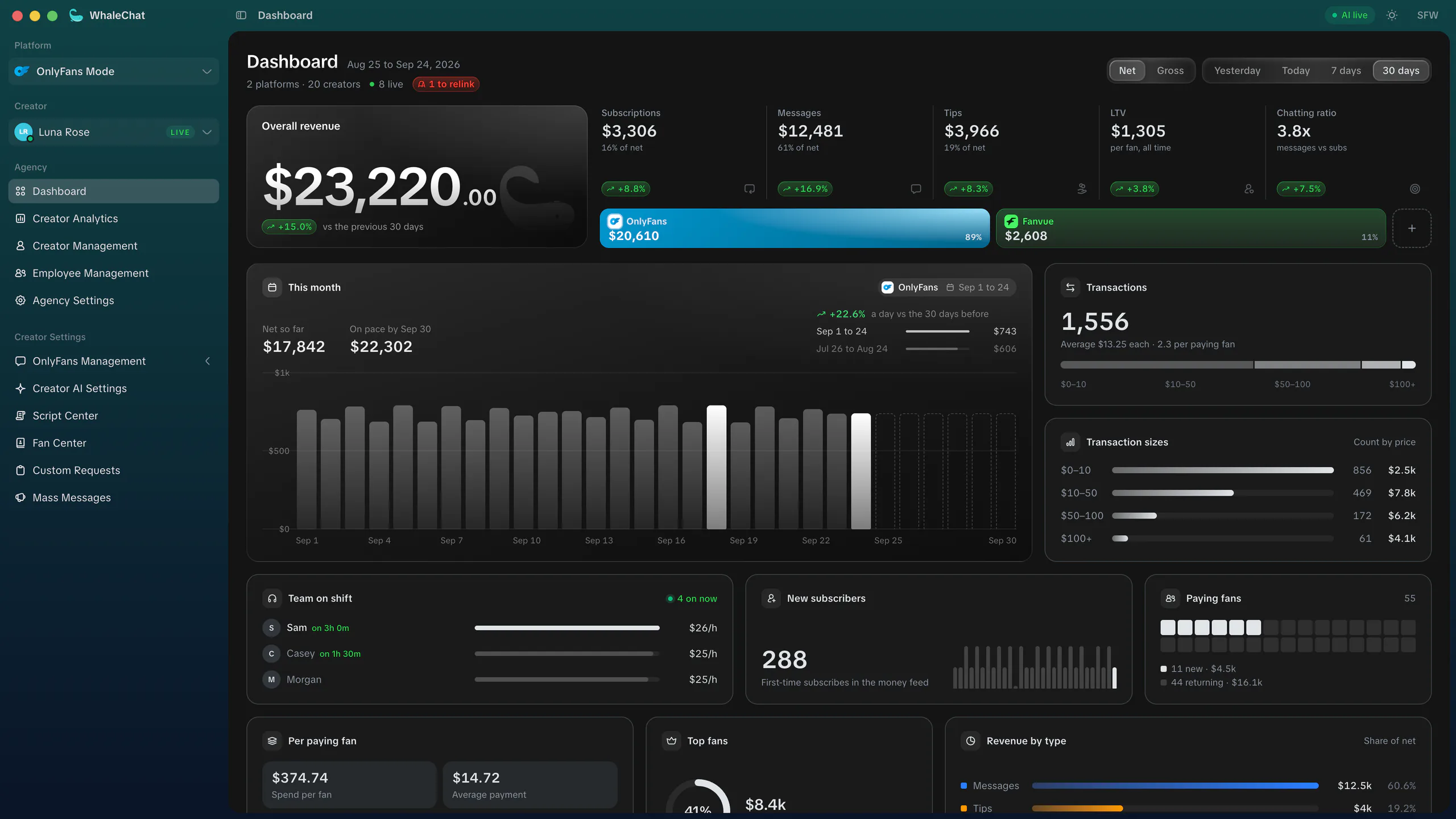
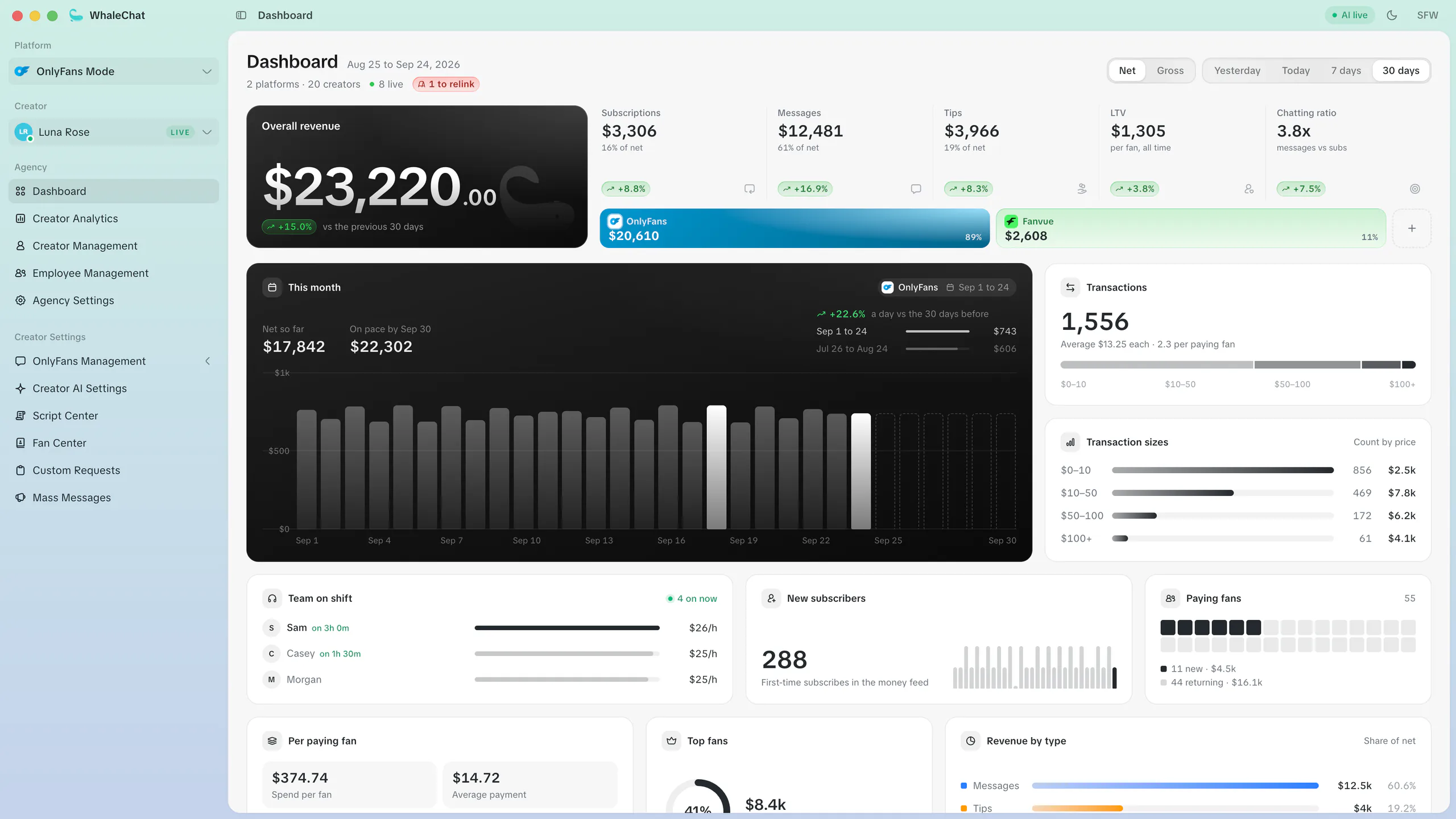
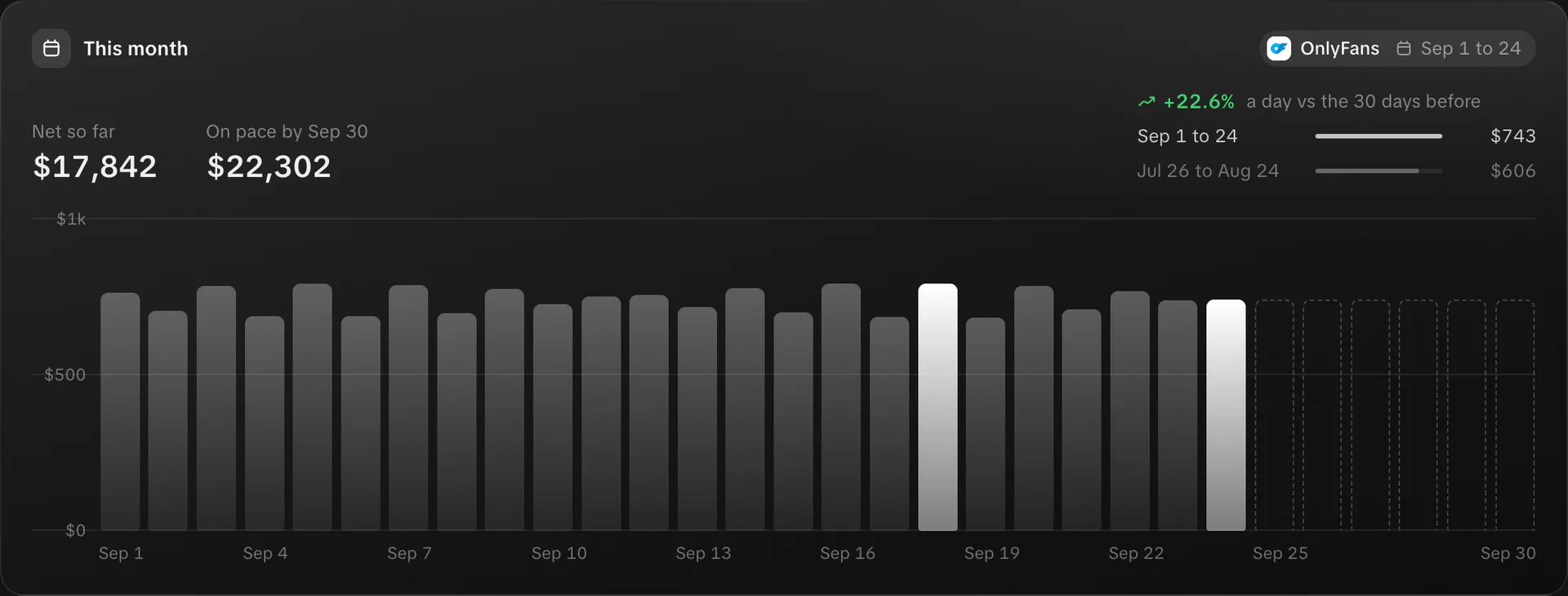
Agency dashboard
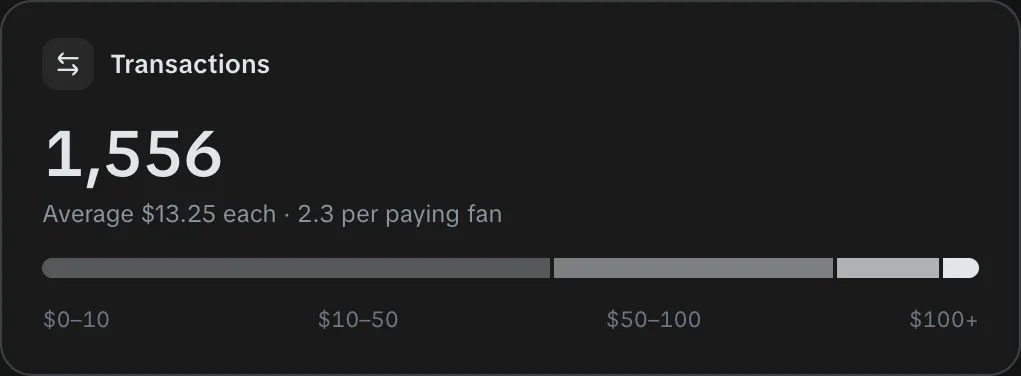
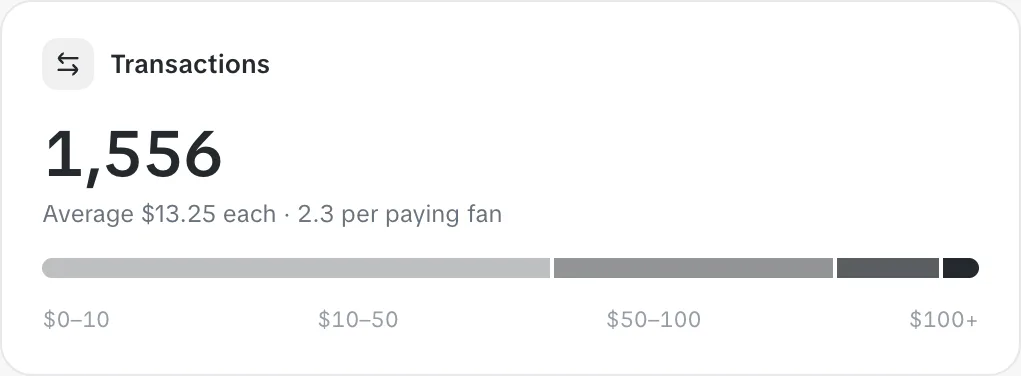
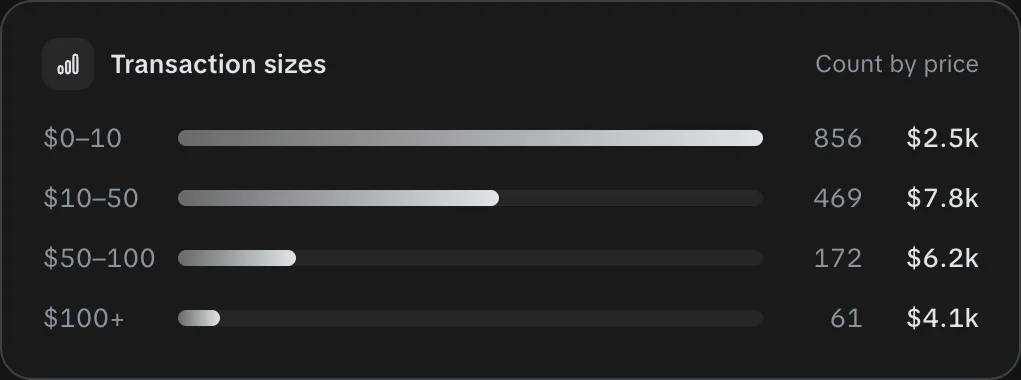
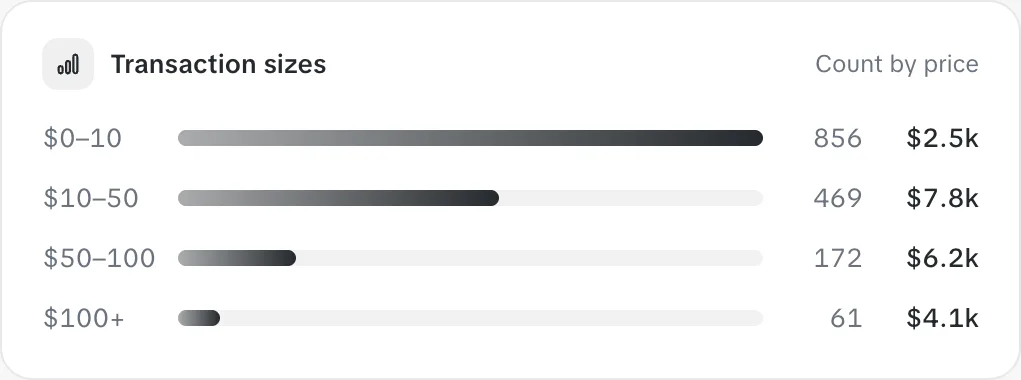
Net or gross, for today, yesterday, 7 or 30 days, across OnlyFans and Fanvue. Every figure shows its change against the window before.


FAQ
Linking a creator takes two steps. Enter her name, nickname and time zone, then sign in on OnlyFans' own page or approve WhaleChat on Fanvue. After that you set her persona, limits and prices in Creator AI Settings. Give the persona and voice examples the most time, because the AI writes from them.
WhaleChat isn't affiliated with or endorsed by OnlyFans or Fanvue, and each platform's terms apply to how your agency uses it. Sign-in happens on the platform's own page. The AI never sends contact details, off-platform payment requests or links, and chatters get a warning when they type words against OnlyFans' terms. Each OnlyFans creator can also run through her own proxy.
You give it her voice. In Creator AI Settings you add her name, a bio, her personality in plain words and real lines she'd send, one per bubble. The AI writes every message in that voice and never offers anything you've switched off. For each fan it also keeps a dossier built from their chats, with details like inside jokes, buying triggers and topics to avoid.
With human chatters turned on, any offer of $500 or more goes to a person on your team. Fan Center puts every fan who has spent $250 or more in the Whales list, and the dashboard shows how much of your revenue comes from top fans. If a fan has charged back on other WhaleChat accounts, your chatters see a warning before they send a PPV.
Yes. Add each person with an invite link, pick a role and assign their creators. A chatter starts with Messages, Notifications and Vault, and you can turn on any of the 29 permissions person by person. Chatters work in the same inbox as the AI, and it steps back from a chat the moment they reply.
On OnlyFans the creator signs in on OnlyFans' real sign-in page. OnlyFans handles the password, 2FA and captcha, and WhaleChat only ever sees the session token. Fanvue uses its official connection, and you can revoke access from Fanvue at any time. If a session expires, she signs in again and keeps all her fans, chats, vault and settings.
OnlyFans and Fanvue. Signing in with a Fanvue agency account links every creator it manages at once. WhaleChat is a desktop app for Mac (Apple Silicon and Intel, macOS 10.15 or later) and Windows 10 or later.
The first time only: open System Settings, go to Privacy & Security, scroll down and click Open Anyway next to WhaleChat (or Control-click the app and choose Open). After that it opens normally. To update on a Mac, download the latest version from this page.
You pay a flat monthly plan plus a commission on your creators' net earnings. Every plan includes unlimited creators and 24/7 AI chatting. Commission is invoiced every 14 days with a 3-day grace period, and the monthly plan bills on its own date. Checkout opens in your browser, and crypto is accepted.
Yes, at any time. You pay for the current plan period and any commission earned up to that day. If an invoice passes its grace period, chatting pauses and your data stays untouched until it's paid.
No. The AI runs on WhaleChat's servers and keeps chatting while your computer is off. You and your team use the app to set it up and watch it work.
WhaleChat chats with her fans and sells PPV on her own OnlyFans or Fanvue account, in her voice, day and night. Sign her in and switch it on.
For macOS and Windows